Two ChatGPT accounts on one phone: what stays separate
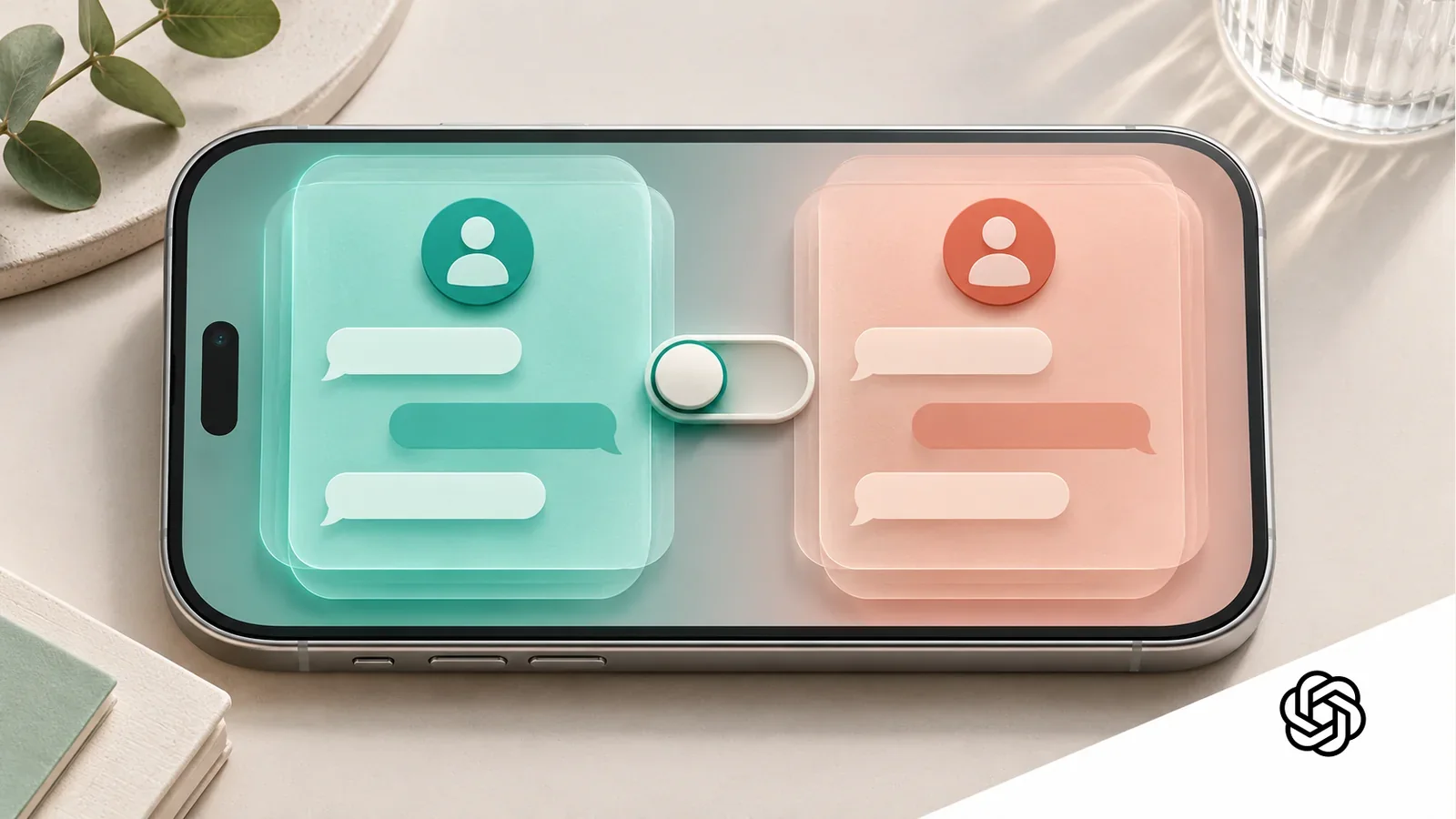
OpenAI is bringing account switching to its iOS and Android apps. The shortcut saves sign-outs, but chats, work controls and paid plans still belong to the account you select.
 The 30-second bite
- OpenAI announced a gradual October 30 rollout of two-account switching in ChatGPT's iOS and Android apps.
- Only one account is active at a time; chats, memory, files, workspaces and subscriptions stay with their own accounts.
- Opening a notification from the other account can switch the active login. Check it before the next upload or chat.
- A managed account still follows organizational rules. LLMBites did not test the rollout or audit account isolation.
A quicker switch, within a gradual rollout
OpenAI's October 30 release note says ChatGPT is beginning to let people keep two accounts signed in on the same iPhone or Android phone. That could spare someone who alternates between a personal login and a work login from signing out every time. The condition is important: this is a rollout, so the option may not have reached a particular app yet. OpenAI had already documented switching on the web; the news is its arrival in the mobile apps.
A separate report from ByteForward describes the benefit as less login friction, while explicitly saying it has not tested the rollout. That is the right scale for this update. It changes how a person reaches an account, not what that account owns. OpenAI's support guide says only one of the two signed-in accounts is active at a time. Which one is active matters before a question, a file upload or a purchase.
Two logins do not make one shared history
According to OpenAI's account guide, chats, memory, files, settings and available workspaces reflect the account currently selected. Switching does not move a conversation, share an upload or combine histories. A person using a private account to plan a holiday and a managed account for work should therefore see different material after selecting each login. That is documented behavior, not an isolation test conducted by LLMBites.
There is a related distinction that is easy to miss: changing accounts is not the same as changing workspaces within one account. A workspace is an environment attached to a login, with its own organizational setup where applicable. The new shortcut changes the active login. It does not transport a work chat into the personal side or make one account's memory available to the other. For a task that depends on earlier context, first confirm that the intended account is selected.
Notifications can change the active account
OpenAI says a phone can receive notifications for either signed-in account, depending on account settings and the device's permissions. Tapping a notification from the other account switches to that account and opens its content. That is useful when following up on a work item, but it makes the next action less obvious if you return to ChatGPT later without looking at the account indicator.
Imagine opening a work notification during personal planning and then attaching a private document to the next chat. The example is a precaution, not an incident we observed. The practical check is small: after following a notification, look at the selected account before starting a new conversation or upload. This does not imply the switcher leaks data; it acknowledges that a human can send material to whichever account is active.
Sources: [2]
A second account does not inherit a paid plan
The release note and account guide are explicit that subscriptions stay separate. If someone switches from a paid account to a newly created Free account, the second login remains Free. The switcher is a way to stay signed in; it does not share a plan, merge billing or move an entitlement. OpenAI advises checking which account owns an existing subscription before buying another, because a second purchase can mean a second charge.
That gives the payment moment its own check. If a familiar feature is missing after a switch, first confirm the active login and its displayed plan. Do not treat the missing feature as proof that the subscription vanished. Equally, do not assume that using the same phone or app-store identity makes two ChatGPT accounts one billing account. The documented boundary is the ChatGPT account that owns the plan.
Work rules follow the managed login
For an administrator-managed account, OpenAI says organizational policies remain in force even when a personal account is also signed in. Depending on configuration and applicable law, administrators may be able to access or manage prompts, uploaded files, outputs and activity information tied to that managed account. The switcher does not convert a managed workspace into a personal one, and selecting a personal login does not move existing work material out of the organization's control.
The useful question before a sensitive task is not merely whether the phone is yours. It is which login will receive the material, and which rules apply to that login. People should follow their organization's data-handling rules for work. For private use, they should verify that the selected account is personal before entering content. We are describing OpenAI's published controls, not auditing how an employer has configured a particular workspace.
The three checks that make the shortcut useful
OpenAI's documented setup path on mobile is Settings, Switch account, then Add account and sign in. Two accounts can remain signed in. If two are already present, Add account is hidden until one is logged out. If Switch account is missing, the gradual rollout may be the explanation; the support guide does not promise a date when every eligible person will see it. The guide specifies all plan types for web switching but does not spell out a separate mobile plan list, so readers should avoid assuming identical availability rules.
Once the option appears, a simple routine covers the meaningful boundaries: check the active account before a new chat or file upload; check it again after opening a notification; and check the account and plan before a purchase. This is LLMBites' decision framework drawn from the documented behavior, not a test result or a guarantee against mistakes. It turns a convenient toggle into a more deliberate way to keep personal and managed work in their intended places.
Why this matters
The feature removes a small but recurring sign-in chore for people using ChatGPT in more than one context. Its real value depends on understanding which account is active, because access to prior conversations, workplace controls and paid features remain account-specific.
This is source-based reporting on a gradual mobile rollout, not a hands-on test or security assessment. OpenAI has not given a date for every user to receive it; the account guide reviewed here does not state a separate mobile plan eligibility list.
Sources & reporting
- 01ChatGPT release notes: Account switching on iOS and AndroidOpenAI · Checked Oct 31, 2026
- 02Using multiple ChatGPT accounts on web and mobileOpenAI · Checked Oct 31, 2026
- 03Data access for your managed ChatGPT accountOpenAI · Checked Oct 31, 2026
- 04ChatGPT mobile account switching: setup and limitsByteForward · Oct 31, 2026
AI-assisted research and drafting. LLMBites read OpenAI's October 30 release note and account and managed-account guides, plus ByteForward's separate analysis. The latter did not independently test the rollout, so it is context rather than corroboration of live behavior. The three-check routine and illustrative example are LLMBites analysis. No app account, subscription, phone or managed workspace was tested; this report was AI-assisted and will receive automated self-review, not pre-publication human or independent review. Automated editorial and visual checks were performed by the writing agent; this article did not receive pre-publication human or independent editorial review.
Spot a mistake? Request a correction.